Twitter Profile
How to set up a winning Twitter account which stands out and attracts followers
Follow Your Colleagues!
Twitter works best being a part of a group!
Let's make a Google Warsaw Twitter Group
- First, let's get you on the Google Warsaw Twitter List. Click here to ask...
- Second, follow your colleagues...
Your Twitter @UserName
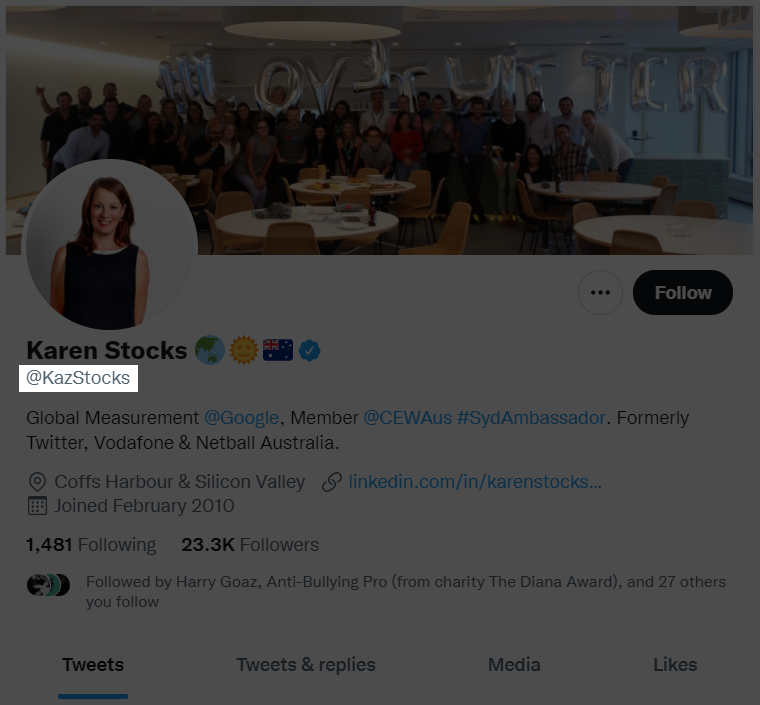
Twitter @UserName a.k.a handle
Your Twitter user name or handle is your most elementary bond of trust!
Dos & Don'ts
- Use Your real full name (@EladRatson)
- If not possible, user underscore (@Elad_Ratson | @EladRatson_)
- Capitalize 1st letters (@Elad_Ratson | @EladRatson_)
- Avoid using numbers or senseless characters (@xu786dv898)
How to Edit Your @UserName
- Select More (main menu) → Settings & Privacy (popup window) → Your account (under settings) → Account information Username
- Alternatively, you can use this link: https://twitter.com/settings/screen_name
- Enter your password if prompted
- Edit and save
Your Twitter Screen Name
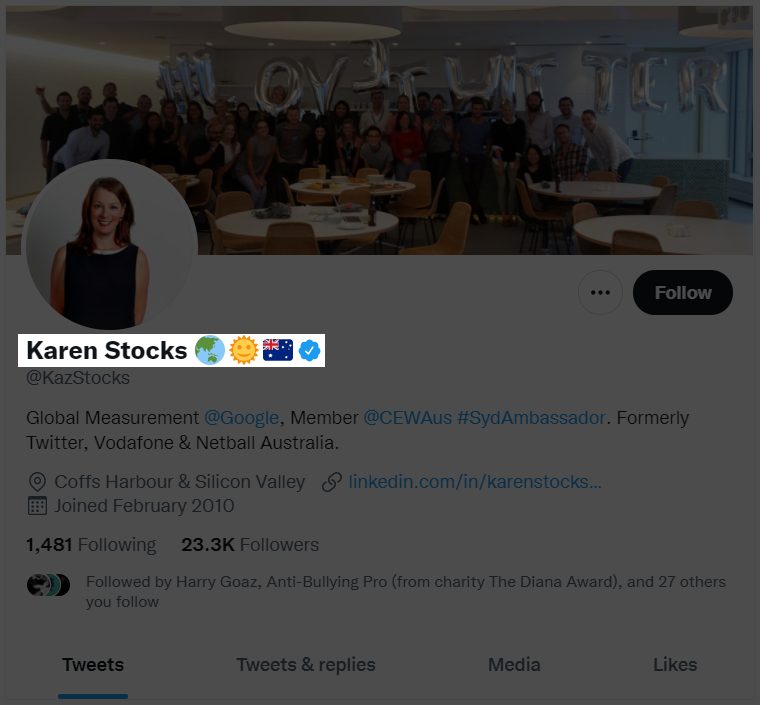
Twitter screen name
Your Twitter screen name is the most noticeable element people see when they enter your profile!
Dos & Don'ts
- Use Your real full name (Elad Ratson)
- Avoid using emojis or special characters
- Avoid using nicknames
- Write your name in English and only if you have more space left add another language
How to Edit Your Name
- Select Profile (main menu) → Edit Profile (right button under the banner)
- Alternatively, you can use this link: https://twitter.com/settings/profile
- Edit Name field and Save
Your Twitter Bio
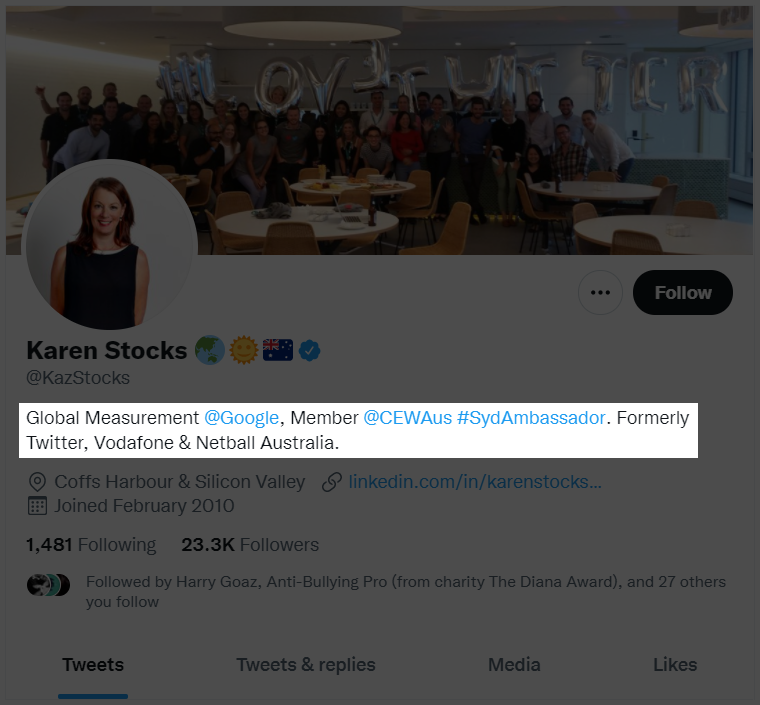
Twitter bio a.k.a description
Twitter bio a.k.a description
Your Twitter bio should be focused on your professional expertise, where you work and your title.
Dos & Don'ts
- Focus on areas of expertise
- Job title should be like on business card
- Avoid personal life information unless it is relevant to your profession
- Try and use #hashtags for particular expertise you have but only if the #hashtags exist already
- Bios are limited to 160 characters, make full use of them
How to Edit Your Bio
- Select Profile (main menu) → Edit Profile (right button under the banner)
- Alternatively, you can use this link: https://twitter.com/settings/profile
- Edit Bio field and Save
Your Location
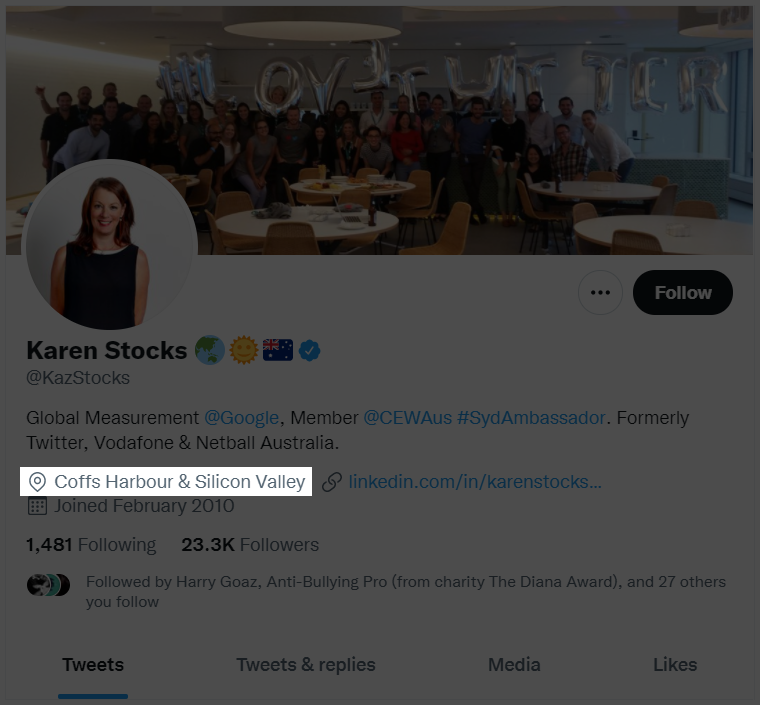
Twitter Profile Location
Correctly setting your Twitter profile location helps other Twitter users find you more easily when looking for content in their proximity.
Dos & Don'ts
- Type city name, country
- Use the English name for your city and country
- If Twitter can not find your city name and/or country, type it yourself
How to Edit Your Location
- Select Profile (main menu) → Edit Profile (right button under the banner)
- Alternatively, you can use this link: https://twitter.com/settings/profile
- Edit Location field and Save
Your Profile Link
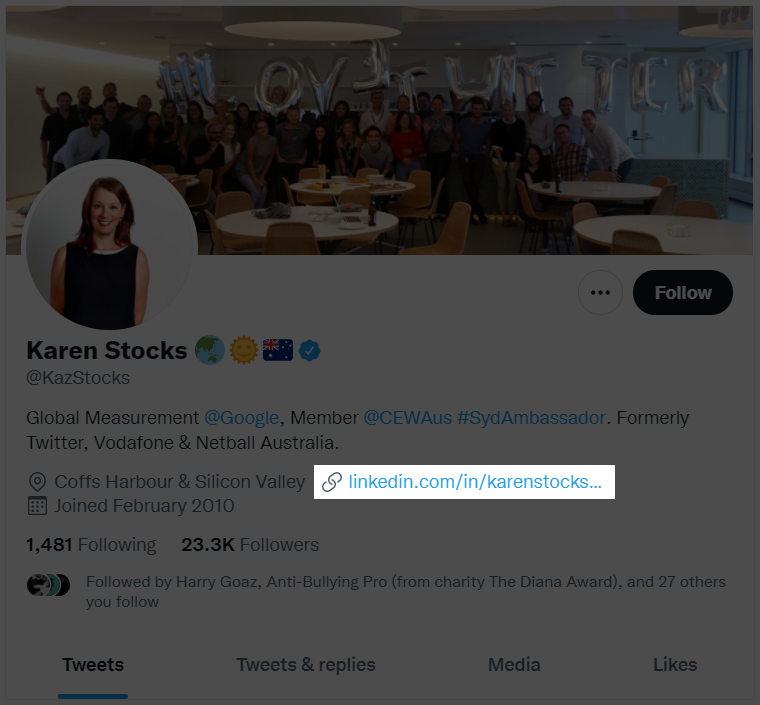
Twitter profile link
Setting a Twitter profile link helps other Twitter users to validate your identity and trust worthiness.
Dos & Don'ts
- Use generally acceptable sources (Linkedin, Wikipedia, etc.)
- Use original links! Link shortener URLs are not recommended.
- If Twitter can not find your city name and/or country, type it yourself
How to Add/Edit Your Twitter Profile Link
- Select Profile (main menu) → Edit Profile (right button under the banner)
- Alternatively, you can use this link: https://twitter.com/settings/profile
- Edit the Link field and save
Your Profile Image
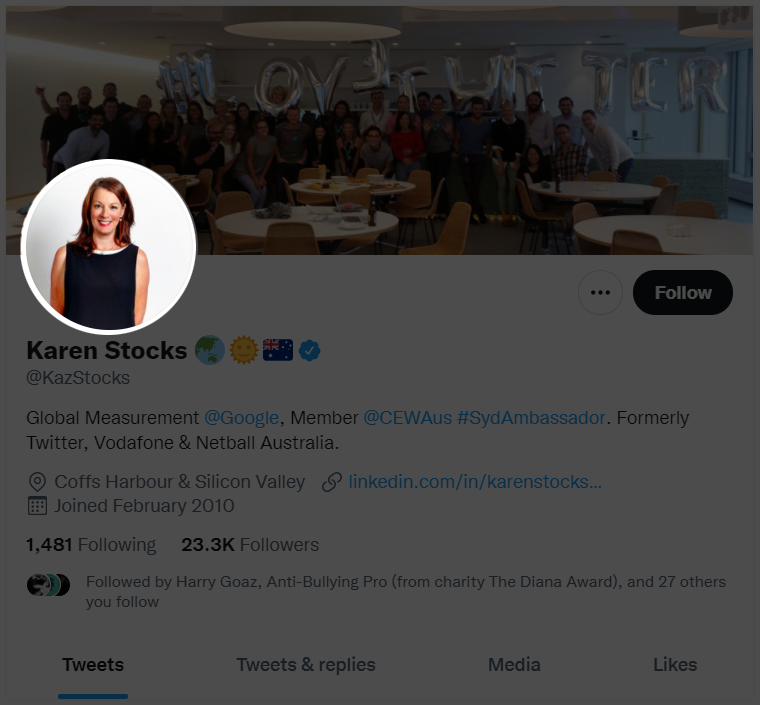
Twitter Profile Image
Statistics show that the best profile images are passport like images
Dos & Don'ts
- Avoid using images with other people
- Avoid using full body image
- Avoid using images with sun glasses and/or hats
- Use a high quality image with a minimum resolution of 400px X 400px
How to Edit Your Profile Image
- Select Profile (main menu) → Edit Profile (right button under the banner)
- Alternatively, you can use this link: https://twitter.com/settings/profile
- Click the camera icon on your profile image to upload
- Use the crop tool to optimally position the square
- Crop and save
- Once uploaded your profile image will be cut to a cube resolution of 400px X 400px
Your Profile Banner
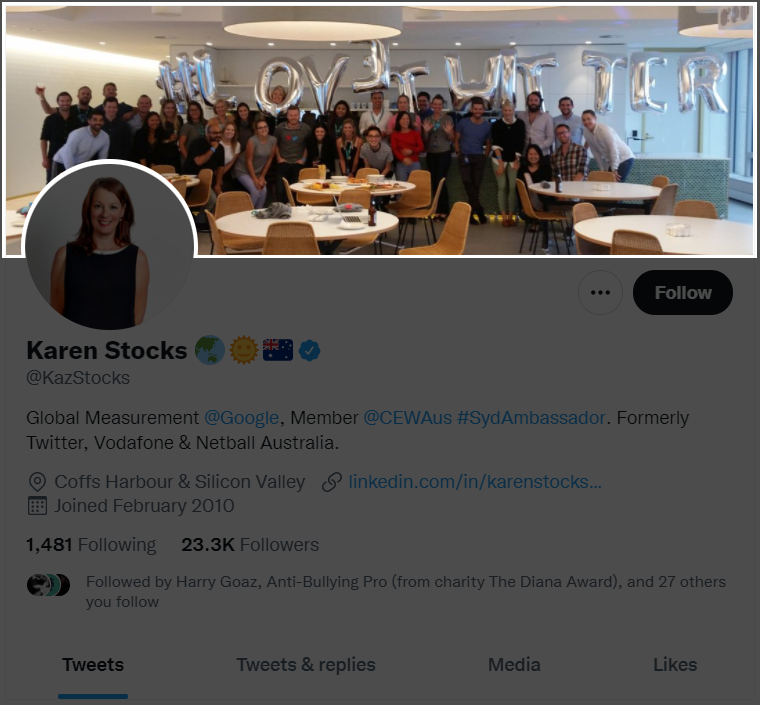
Twitter Profile Banner
Twitter is known to condition verification to profiles with banners.
Dos & Don'ts
- Avoid using images with other people
- Avoid using family or personal pictures
- Use a high quality image with a minimum resolution of 1500px X 500px
- Examples of Twitter banners related to Google Warsaw Campus: Example 1, Example 2, Example 3
How to Edit Your Banner
- Select Profile (main menu) → Edit Profile (right button under the banner)
- Alternatively, you can use this link: https://twitter.com/settings/profile
- Click the camera icon on your profile banner to upload
- Use the crop tool to optimally position the rectangle
- Crop and save
- Once uploaded your banner image will be cut to a rectangular resolution of 1500px X 500px
Optimal Twitter Profile